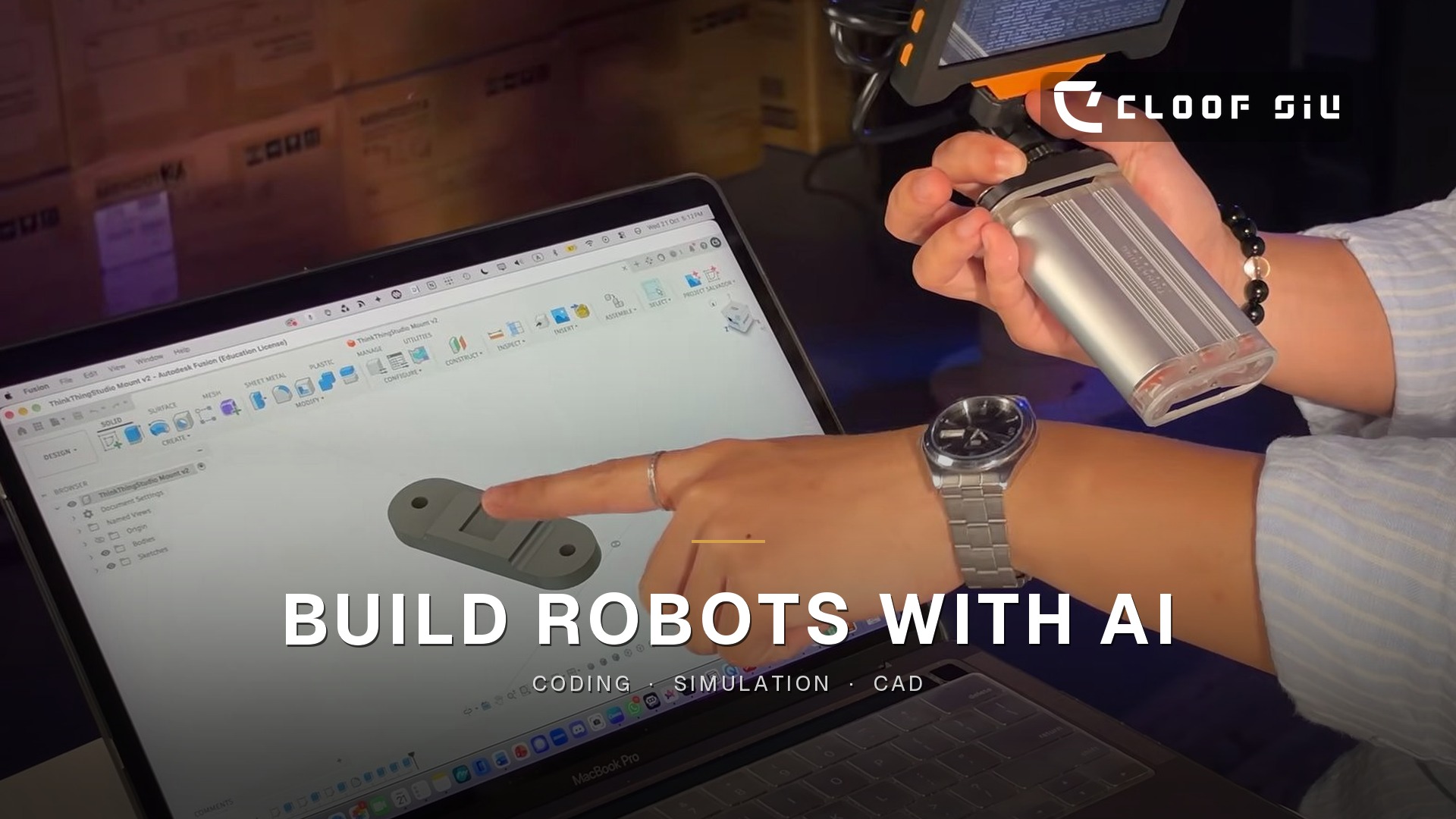
AI tools, including AI agents that can work through a task step by step, are starting to change how students build robots. Used well, they do not do the thinking for students. They shorten the distance between an idea and a working prototype, and they free teachers to coach.
I am Cloof Siu, a robotics educator in Hong Kong. In my observation, many Hong Kong teachers do not yet have the tools or the know-how to use AI this way in robotics lessons. The tools change quickly, so this is understandable. It is also why I think this is worth stating clearly, and why it is an area I am actively working on.
This article takes the three places I see the most value — coding, simulation and CAD — and turns them into a practical note for schools. The wider guide to programmes, tools and school teams is in Robotics Education in Hong Kong.
What I mean by AI, and by an AI agent
I am not asking students to “let the computer build the robot”. I mean tools that can explain, suggest, draft or check a step, while the student still has to decide, test and take responsibility for the result.
An AI agent, in the way I use the term here, is a tool that can work through a task in steps: for example, reading an error, proposing a next action, then waiting for the student to try it. That is useful only if the student can still see each step, question it, and undo it. If the agent becomes a black box that “just gives the answer”, the learning disappears.
Three places AI helps most
Coding. This is usually the first place teachers try. AI can explain an error message in plain language, suggest how to structure a program, and help students move from block coding to text-based code when they are ready. The rule I keep is simple: students still need to read, understand and test every line. If they cannot explain what a suggested block of code is doing, it does not go onto the robot.
A useful classroom habit is to treat the AI as a second pair of eyes, not as the author. The student writes or chooses the next step, asks for a check or an explanation, then runs the program on the actual kit or in a simulator. The conversation with the tool should be visible, so the teacher can see where a student is stuck.
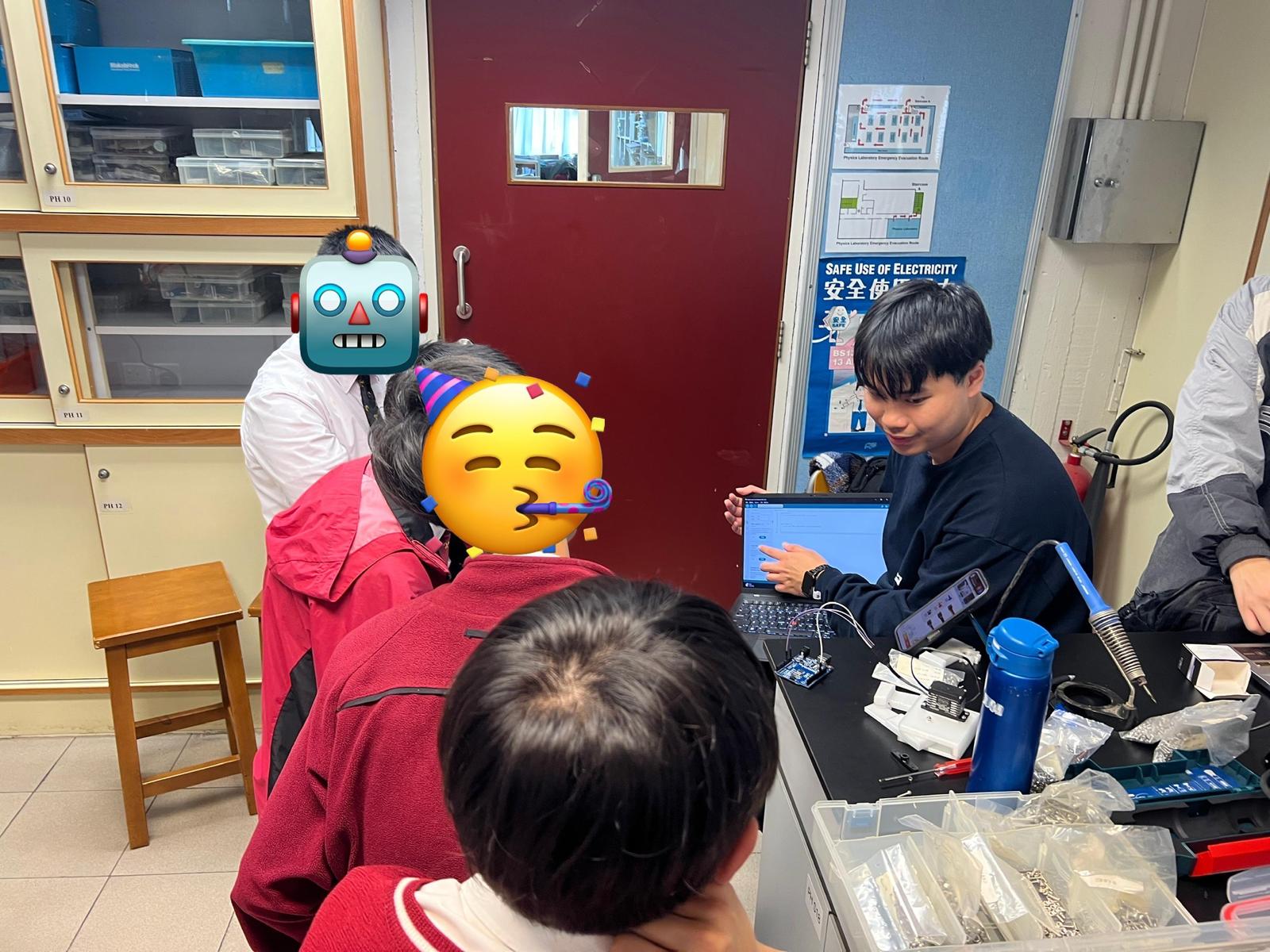
Simulation. Building takes time, and parts break. A simulation will not replace a real robot, but it can help a team test an idea before anyone cuts, prints or wires. AI can help students set up a simulation, read what the output is saying, and decide what to change next. The educational point is the decision, not a perfect on-screen run. If the real robot then behaves differently, that is also a lesson: the model was incomplete, and the team has to find out why.
CAD design. Students often know what shape they want and struggle to turn it into a part that will fit, print and survive a match. AI can help them sketch, check dimensions, and improve a design before it goes to the 3D printer. The teacher’s job is to keep the constraints in view: will it fit the chassis, can it be printed, will it break at the first knock?
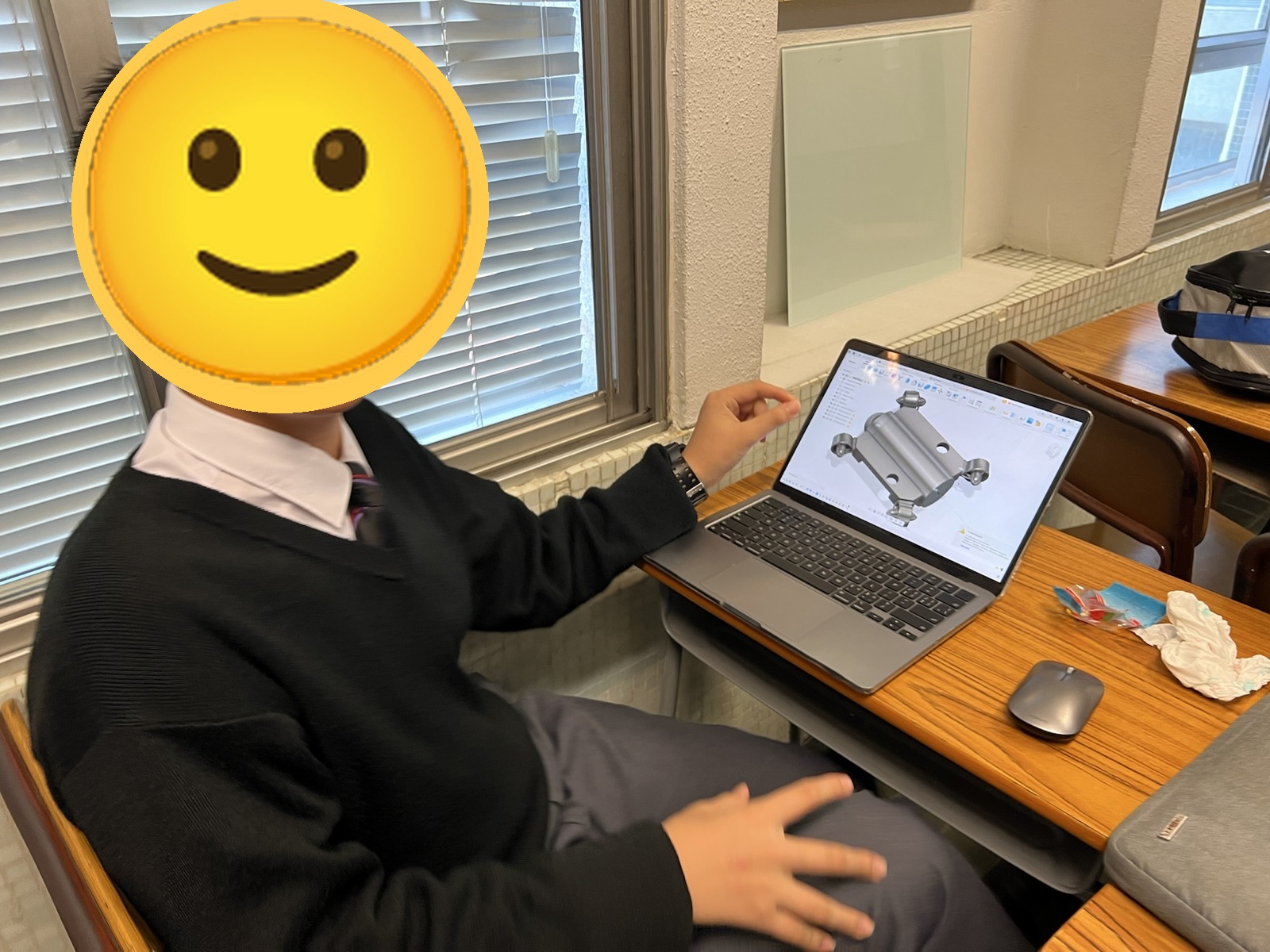
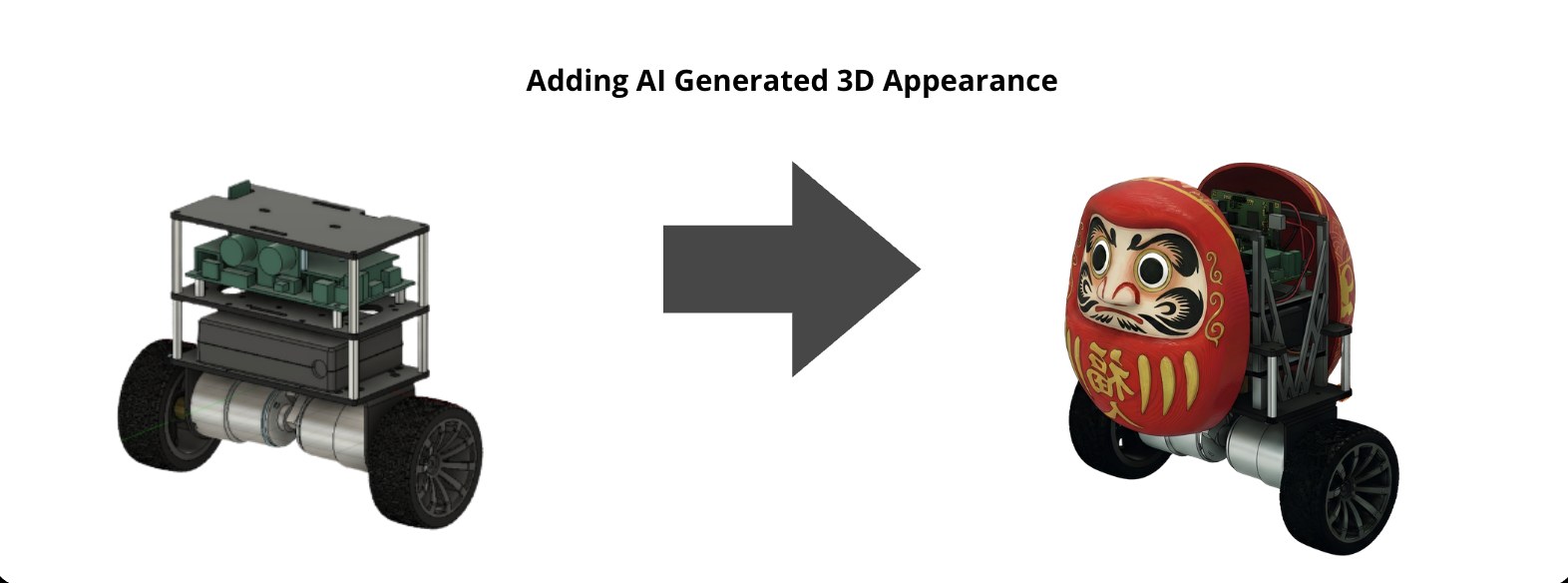
I have already built this into a published classroom kit. In EduBalancer, a self-balancing robot I designed for Hong Kong secondary STEM, Session 2 uses an AI-assisted workflow — prompt, generate, refine, then export for slicing and printing — so every group can design a shell that still fits the robot. That is one concrete example of CAD support in a regular lesson, not a claim that AI replaces the design process. You can read the EduBalancer write-up for the details.
Why many teachers still find this hard
The gap I see in schools is usually not a lack of interest. It is a mix of missing tools, missing time, and missing worked examples that fit a Hong Kong timetable.
Robotics lessons are already full. A teacher who is managing kits, wiring and a class of small groups does not have spare minutes to invent a new AI workflow from scratch, especially when the tools themselves change from term to term. Some schools also do not yet have a clear, allowed way for students to use these tools in class. Others have access, but no agreed rules for what students may paste, what they must write themselves, and how work should be checked.
This is understandable. It is also a practical problem, not a moral one. Teachers do not need to become AI specialists before they can use a simple, visible workflow in a robotics lesson. They do need a starting pattern, and a chance to try it with support.
A conservative way to start, in an ordinary lesson
If I am invited to help, I prefer to start small, inside work the school already does, rather than adding a separate “AI course” with a new name.
- Pick one task students already have, such as fixing a program, checking a part, or preparing a design for printing.
- Make the prompt and the reply visible to the group, so the teacher can intervene.
- Ask the student to restate what the tool suggested, then test it on the real task.
- Keep a short record of what changed after the test, so the team can see that the learning is in the iteration.
The same pattern works in a teacher workshop: staff try the workflow themselves, then discuss where it would help — and where it would get in the way — in their own classroom.
What I can help with
This is an area I am actively working on. I can help through in-school lessons where students use AI for coding, simulation and CAD, or through teacher workshops that share practical workflows. Lessons can be in Cantonese, Mandarin or English.
If this is something your school wants to try, contact me and we can start with a free 90-minute demo lesson. Programme details are on School Robotics Programmes. For pathways, classroom tools, 3D printing and starting a team, see Robotics Education in Hong Kong and Starting a School Robotics Team from Zero in Hong Kong.
— Cloof Siu, robotics educator in Hong Kong