
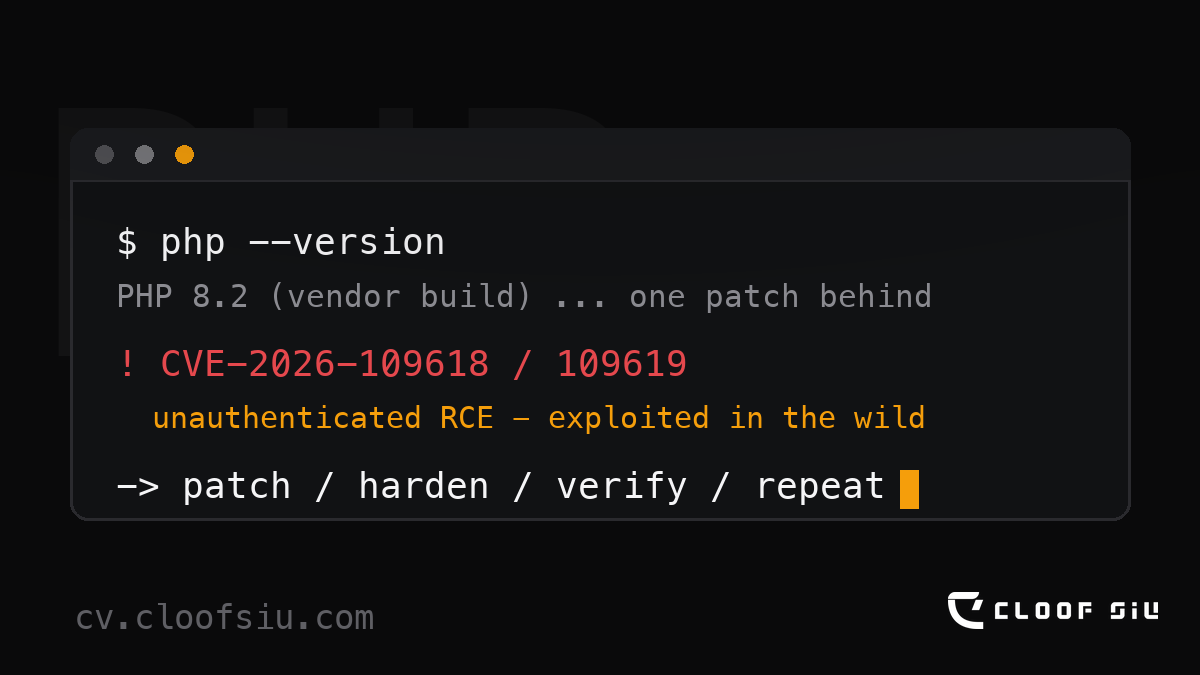
TL;DR — The language quietly powering about three-quarters of the web’s servers just had one of its worst security weeks in years: two critical, exploit-ready remote-code-execution flaws in PHP itself (CVE-2026-109618 and CVE-2026-109619, nicknamed “PHP2Shell”, CVSS 9.2). Emergency patches shipped on 21 October 2026. My own site runs a vendor PHP build that hasn’t shipped the fixed package yet, so I ran a full compromise audit (clean — though my firewall blocked 1,847 attacks at the door in 30 days) and layered mitigations that close the known attack paths while I wait. Below: what PHP actually is, what this bug really means, where AI fits in, and a 10-minute checklist to protect your site from malware.
First: what even is PHP?
If the internet is a restaurant, PHP is the kitchen.
You almost never see it. But when you open a blog, a school portal, a shop, or Wikipedia, something on a server somewhere takes your order, cooks the page, and slides it out. That cook is very often PHP. Around three-quarters of all websites with a known server-side language run on PHP, and WordPress — which alone powers roughly 43% of the entire web — is written in it. Even Facebook was raised on PHP before it outgrew its baby food.
So when the kitchen itself develops a fault, it doesn’t affect one unhappy customer. It affects the whole restaurant industry.
What actually happened this week
On 20 October 2026, details of two critical flaws in PHP’s core leaked online. The PHP security team did the responsible thing: they published an advance notice and rushed an emergency release out the next day, 21 October at 14:00 UTC. The two vulnerabilities — CVE-2026-109618 (memory corruption during out-of-memory handling) and CVE-2026-109619 (a use-after-free in state kept between requests) — were each rated CVSS 9.2 by the PHP team. Both can allow unauthenticated remote code execution: a stranger running their own code on your server, with no password, no login, no permission slip. Security researchers gave the pair a memorable nickname: PHP2Shell — because for an attacker, it turns a PHP server into their shell.
CERT-EU issued an advisory the same day, Rapid7 and other defenders published analyses within hours, and national CERTs — including HKCERT here in Hong Kong — urged administrators to patch immediately. Cloudflare reported seeing early exploitation attempts almost right away. That’s the part that turns a technical advisory into a genuine event: “in the wild” means somebody is already walking around testing your door handle, not writing a paper about door handles.
“RCE” — or, the skeleton-key problem
Here’s the plain-English version. Most web attacks are like a thief picking one specific lock: a plugin with a bad upload filter, a password that was “password”, an abandoned admin page. Annoying? Yes. Contained? Usually.
RCE is different. RCE is a skeleton key to the whole building. The attacker doesn’t need to know your name, guess your password, or trick you into clicking anything. They send your server a carefully crafted request, the kitchen misplaces a bit of memory while handling it, and suddenly your server is doing their shopping list: installing their tools, reading your database, sending spam in your name, or quietly waiting as a stepping stone to the next thousand websites.
And because PHP is the kitchen for three-quarters of the web, a skeleton key for PHP is close to a master key for the internet’s small businesses, schools, and community sites.
My morning audit — what I actually checked
My own site runs on a vendor-packaged PHP build, and the honest truth of self-managed hosting is that the upstream fix lands before your package manager gets it. At the time of writing, the patched package still hasn’t arrived. Waiting with your fingers crossed is not a strategy, so I did what I always do when the internet catches fire: an audit. Here’s the exact checklist — steal it:
- File integrity: verified my CMS core against official checksums. Every file accounted for, no surprise additions.
- Accounts: exactly one administrator. No new users, no password resets I didn’t authorise.
- Uploads folder: no executable files hiding where photos should be.
- Server logs: no crashes, no segfaults, no unexplained errors around the disclosure window.
- The doorbell camera: my web application firewall blocked 1,847 attempts in the last 30 days. Almost all of it was background bot noise; the newest was a probe of a long-disabled legacy protocol, timestamped that very morning. Zero succeeded.
Verdict: no evidence of compromise. But the number that matters isn’t the zero — it’s the 1,847. That’s what the internet’s background radiation looks like on an ordinary personal website. It’s also why “it probably won’t happen to me” never survives contact with a 9.2-rated bug.
The mitigations — and why those two specifically
While waiting for the vendor package, I applied mitigations chosen from the documented attack paths, not security folklore:
- Disabled
session.upload_progress— PHP’s upload-tracking feature is enabled by default, and one published attack path uses it as an early consumer of stale session state. Almost nobody enables it on purpose. Off it goes. - Hardened PHP worker limits (memory and error-handling posture) — because the other flaw is triggered via out-of-memory paths. Fewer ways to steer the engine into a corner, fewer chances for it to fall over in a useful way for an attacker.
display_errorsturned off — error messages never exploit anything by themselves, but they hand an intruder a torch.- Re-confirmed the firewall is blocking (not just logging) and that my off-site backups are current.
None of this replaces patching — it buys time with the doors double-locked. The moment the patched package lands, it gets installed first thing.
Where AI fits in — because this is also an AI story
Two decades ago, a critical bug like this spread through word of mouth and exploit scripts traded on forums. This week it moved at AI speed.
On the attack side: the gap between “vulnerability published” and “thousands of sites scanned” used to be measured in days. It is now measured in hours, because an attacker no longer needs skill or patience — automated tooling, increasingly AI-assisted, can fingerprint millions of servers and try the new trick before most administrators have read the advisory. The barrier to entry used to be talent. Now it’s a subscription.
On the defence side: my audit that morning was done with an AI assistant at my shoulder — parsing logs, verifying checksums, drafting and double-checking the hardening changes, and explaining which PHP settings mattered and why. Work that used to mean either a consultant’s invoice or a very long night got done before breakfast.
So AI didn’t make the internet simply scarier or simply safer. It made it faster — for both sides at once. And when everything gets faster, the winning move doesn’t change; it just matters more. Patch quickly. Keep real backups. Watch your logs. The boring stuff just became decisive.
(One more AI-era note: phishing emails now arrive with flawless grammar and perfectly plausible details, because they’re written by machines too. Perfect English is no longer proof of a human — verify by channel, not by tone.)
Your 10-minute malware protection checklist
This is the part I’ll be sending people. Ten minutes, today, in rough order of value:
- Update everything — today, not “when things are quiet”. Your CMS, plugins, themes, PHP, and yes, the router in the corner that hasn’t been touched since university. Turn on auto-updates where they exist.
- Keep backups you have actually restored from at least once. A backup you’ve never tested is a hope, not a plan. Aim for 3-2-1: three copies, two different media, one off-site.
- Close the doors you don’t use. Disable legacy protocols like xmlrpc if you don’t need them. Delete unused plugins (don’t just deactivate them — dead plugins are squatters with spare keys). Protect or move your login page away from the default URL.
- One admin. Two-factor everywhere. Password manager for the rest. Reused passwords are still the cheapest attack in the world, and no firewall fixes them.
- Put a firewall in front and actually read its reports. Half of defence is knowing what “normal” looks like on your site, so an abnormal Tuesday is something you notice.
- HTTPS everywhere, plus basic security headers. Ten minutes with any modern guide; it removes whole classes of attack.
- Trust your gut. New files you didn’t create. Traffic spikes at 3am. A brand-new administrator account called system_update. Those feelings are usually correct — investigate first, relax later.
- Update your paranoia for the AI era. Verify unusual requests by a channel you initiate (call the bank’s number, log in by bookmark — never by the link in the message). If a message creates urgency and a link, treat it as hostile until proven bored.
That’s the whole trick
People imagine security as a product you buy once — a certificate on the wall. In reality it’s a habit you repeat: update, back up, check the logs, close the doors you don’t use. This week the internet’s kitchen spilt something dangerous; the restaurants that checked their kitchens and locked the back door came through fine.
The web runs on trust and patches. Trust is free. Patches take ten minutes.
Go check your PHP version. Then go build something fun with the time you saved.
— Cloof Siu is a robotics educator in Hong Kong (EdUHK Robotics Team advisor, co-founder of Makerholic, and Gold Award recipient of the Hong Kong Outstanding Prospective Teachers Award). He builds robots by day and untangles web servers by night. More experiments, projects and free tools at cv.cloofsiu.com.
